Widgets for your
Victron system.
Real-time battery & solar metrics from your Victron installation — available on all your Apple devices.
iPhone & iPad
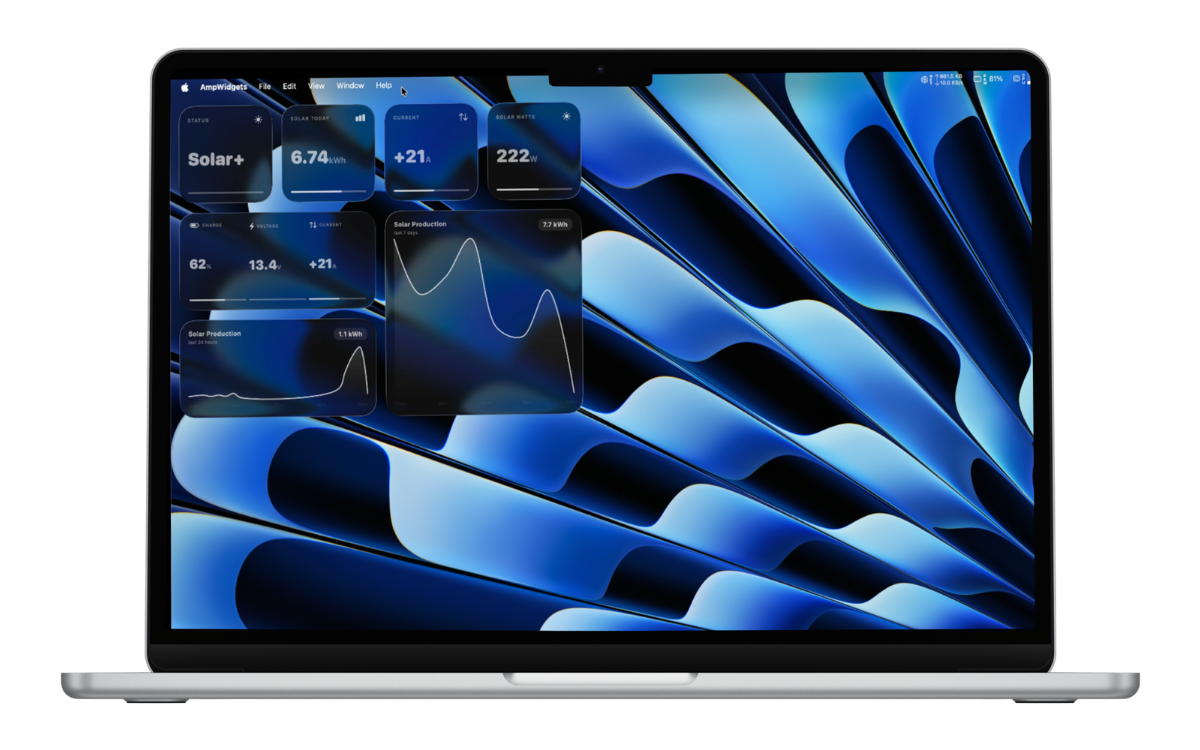
macOS
Apple Watch
Real-time battery & solar metrics from your Victron installation — available on all your Apple devices.
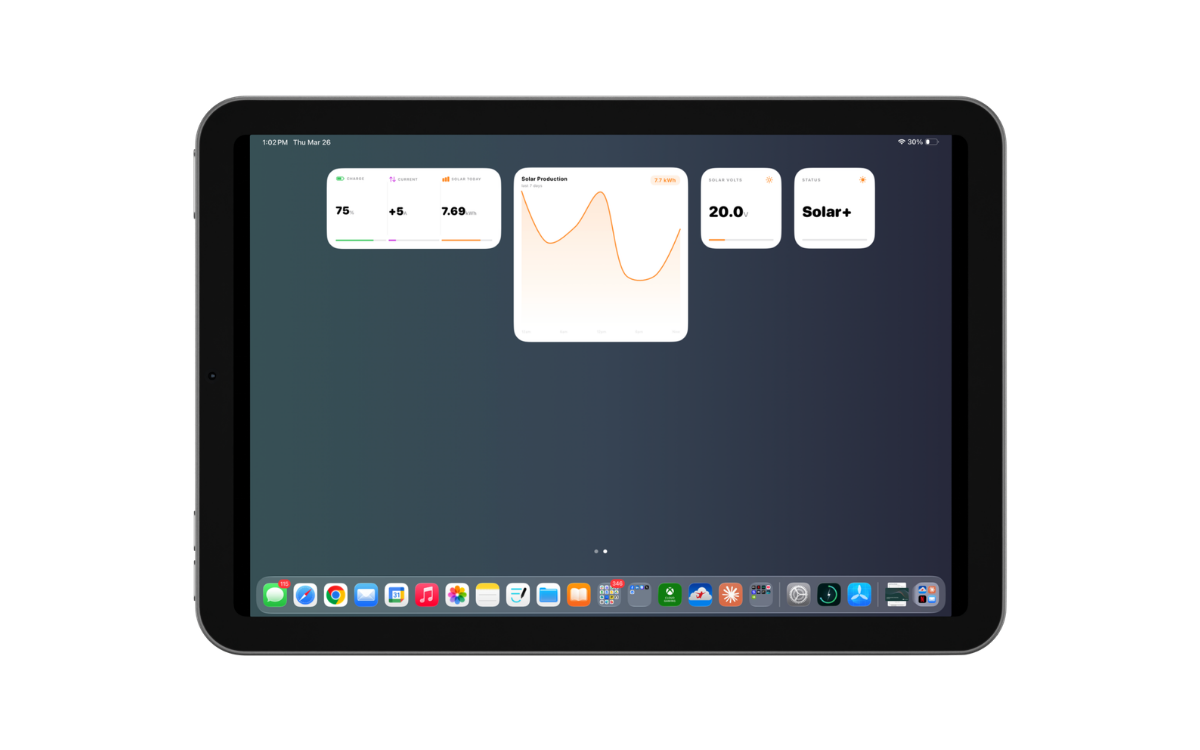
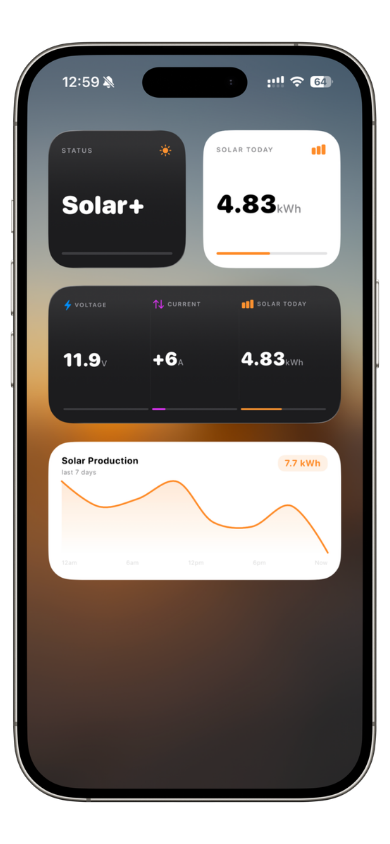
Battery state of charge, solar yield, voltage, current, and more — all surfaced as glanceable widgets right on your iPhone or iPad.
Set rules on any metric — get notified when your battery falls below a level, current rises above a threshold, or a value changes state. Alerts run on-device with smart cooldowns, so no spam and no server required.
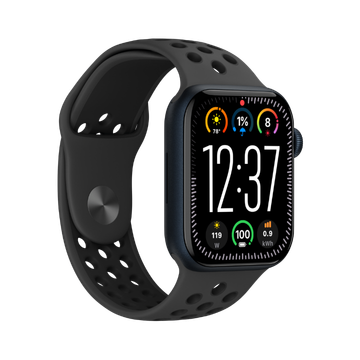
Battery and solar data on your wrist. Watch complications update via direct VRM fetch so they stay current even when your phone is away.
Trend widgets display a rolling line chart of solar production — see at a glance whether today is tracking better or worse than recent days.
Show up to four metrics side-by-side in a single widget. Configure each slot independently — mix battery, solar, voltage, and current any way you like.
Each widget independently follows your system theme or can be locked to light or dark — even when the rest of your device is set differently.
One app, every screen. AmpWidgets follows you across the Apple ecosystem.
Home Screen, Lock Screen, and StandBy mode widgets in small, medium, and large sizes.
Notification Center and desktop widgets. Background refresh keeps data fresh without opening the app.
Complications and a dedicated Watch face dashboard. Independent background fetch runs directly from the Watch.
Available on the App Store for iPhone, iPad, and Mac.
Find your Installation ID and generate an API token at vrm.victronenergy.com.
Paste your Installation ID and token into the app. Data starts flowing immediately.
Long-press your Home Screen, Lock Screen, or open Notification Center on Mac to add and configure your widgets.
Works with any Victron installation on VRM.